Student Success Platform

What is UTA’s Student Success Platform (SSP)?

Welcome the suite of tools – Supporting Success Across UTA!

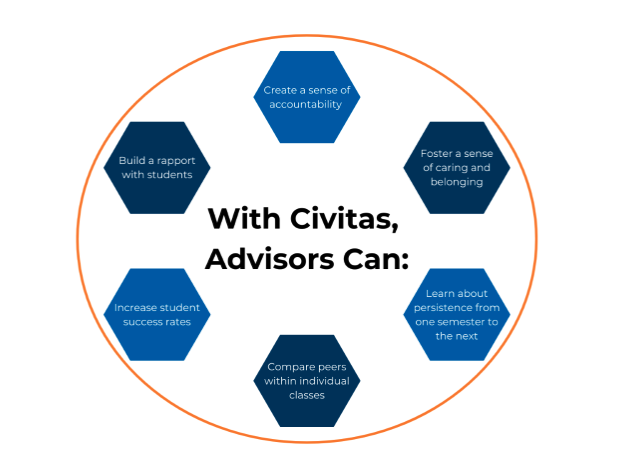
Civitas Image

Civitas is UTA’s all-in-one Student Success platform designed to help students, staff, and faculty stay informed, organized, and connected. Whether you're assisting students plan their academic journey, advising students, or coordinating support across departments, Civitas gives you the tools to make smarter decisions and work together more effectively. It’s all about making success easier for everyone in the Maverick community.

The SUITE of Tools for Advisors include:

MavInspire is a student success and advising platform designed to enhance student outcomes through data-informed decision-making and coordinated support.

Key Features of Civitas MavInspire:

  • Predictive Analytics for Advising: Inspire integrates predictive analytics to identify students who may be at risk of failing or graduating. This allows advisors to proactively intervene with targeted support strategies.
  • Holistic Student Profiles: The platform aggregates data from various sources, including academic performance, engagement, and financial information, to create comprehensive student profiles. This enables advisors to have a complete view of each student's situation.
  • Integrated Case Management: Inspire offers tools for case management, allowing advisors to track interactions, set reminders, and coordinate with other support services across the institution.
  • Collaboration Across Departments: The platform facilitates collaboration among different departments, such as academic advising, student engagement, and career services, ensuring that all stakeholders are aligned in supporting student success.
  • Actionable Insights: Inspire provides actionable insights and recommendations based on data analysis, helping advisors make informed decisions and prioritize interventions effectively.

MavPlanner and MavScheduler are comprehensive solutions designed to enhance the degree planning process and scheduling experience for students, promoting academic success and operational efficiency.

Key Features:

  • Personalized Schedule Creation: In MavScheduler, students can input their personal commitments, such as work hours, commute times, and extracurricular activities, to generate customized class schedules that fit their individual needs.
  • Automated Schedule Generation: The tool automatically generates optimal class schedules based on students' academic plans and personal preferences, reducing conflicts and enhancing the registration experience.
  • Integration with Academic Plans: MavPlanner integrates with students' academic plans, ensuring that the generated schedules align with their degree requirements and progress.

Accessing the tools is as easy as logging into MyApps and selecting the correct tile.
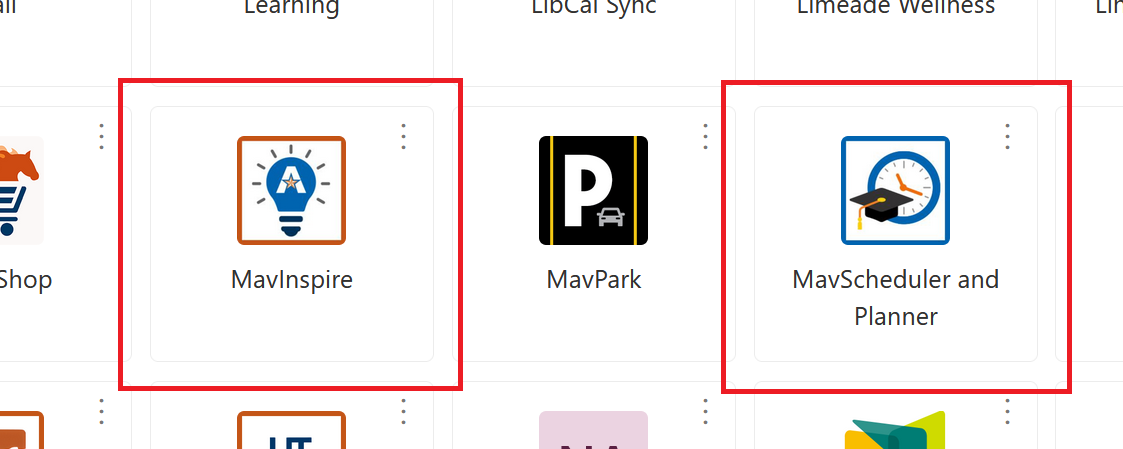
MavInspire and MavScheduler tile

Helpful Resources to navigate the Student Success Platform tools


MavPlanner and MavScheduler

To build degree plan for your assigned students and to help them build their schedule for the semester Follow step-by-step instructions given here: MavPlanner and MavScheduler for Advisors For students: How to register for classes?


MavInspire

To build your appointment availability for your assigned students and other student population allowing them to book an appointment with you follow step by step instructions below-

MavInspire: Advisor Appointment Setup

Resource Guide

Instructions for Student to book appointment: MavInspire: Student Appointment Booking

Please see below for guidance on where to direct your inquiries:

  • Technical Issues (e.g., SSO login errors or redirection problems):
    Kindly contact helpdeskcomm@uta.edu for assistance with these matters.
  • Operational Requests & Feedback (e.g., requesting user access, adding reason codes, or additional courses):
    Kindly contact civitas@uta.edu

How to request access to SSP Tools:

  • Ensure you have required access to student data within MyMav.
    Submit MyMav access request here
  • Request access to civitas tools here

Upcoming Trainings & Office Hours:

Sign up and register here for upcoming trainings
Office hours are held virtually via Teams every Tuesdays 3:00 to 3:30 PM at and Fridays 9:00 AM to 9:30 AM to answer questions advisors might have around using the tools for providing additional support.

FAQs