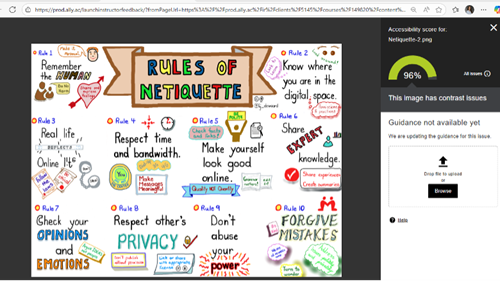
When uploading PowerPoint slides with voice-overs to Canvas, the speaker icon graphic is flagged as non-compliant.
How to Avoid this Issue: Ensure the speaker icon meets color contrast requirements and includes appropriate alt-text.
How to fix this Issue: To change the appearance of the speaker icon, navigate to the Audio Format tab on the top ribbon. Select Corrections to change the sharpness and contrast. Select Color to change the color saturation, tone, or recolor. After your changes, manually check with a color contrast checking tool.
How to Avoid this Issue: Ensure the speaker icon meets color contrast requirements and includes appropriate alt-text.
How to fix this Issue: To change the appearance of the speaker icon, navigate to the Audio Format tab on the top ribbon. Select Corrections to change the sharpness and contrast. Select Color to change the color saturation, tone, or recolor. After your changes, manually check with a color contrast checking tool.